







Your whole studio on your phone
Jobs, the schedule, the check-in card signed by the client and the history of every car. Work from your phone and see everything on the computer right away.
The app is free to download; you sign in with your Bonaveo account.
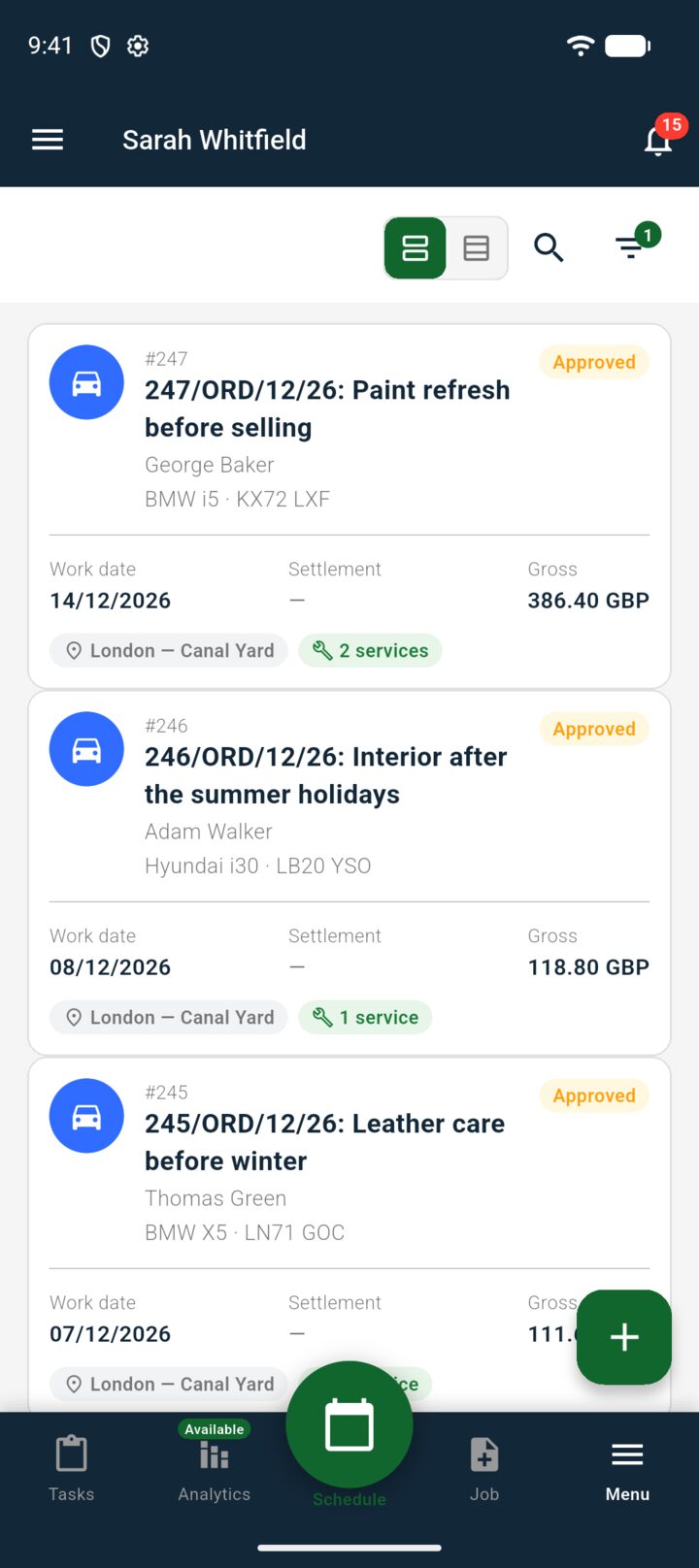
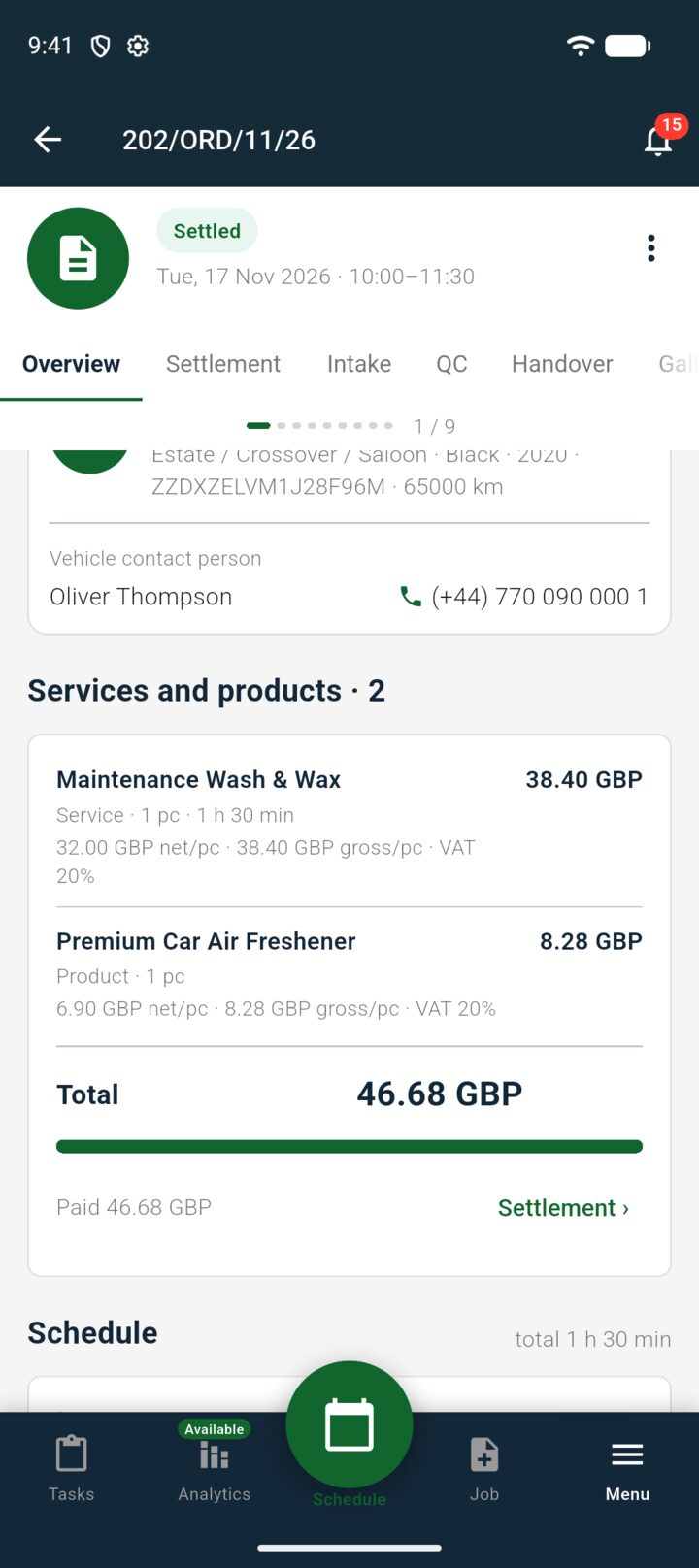
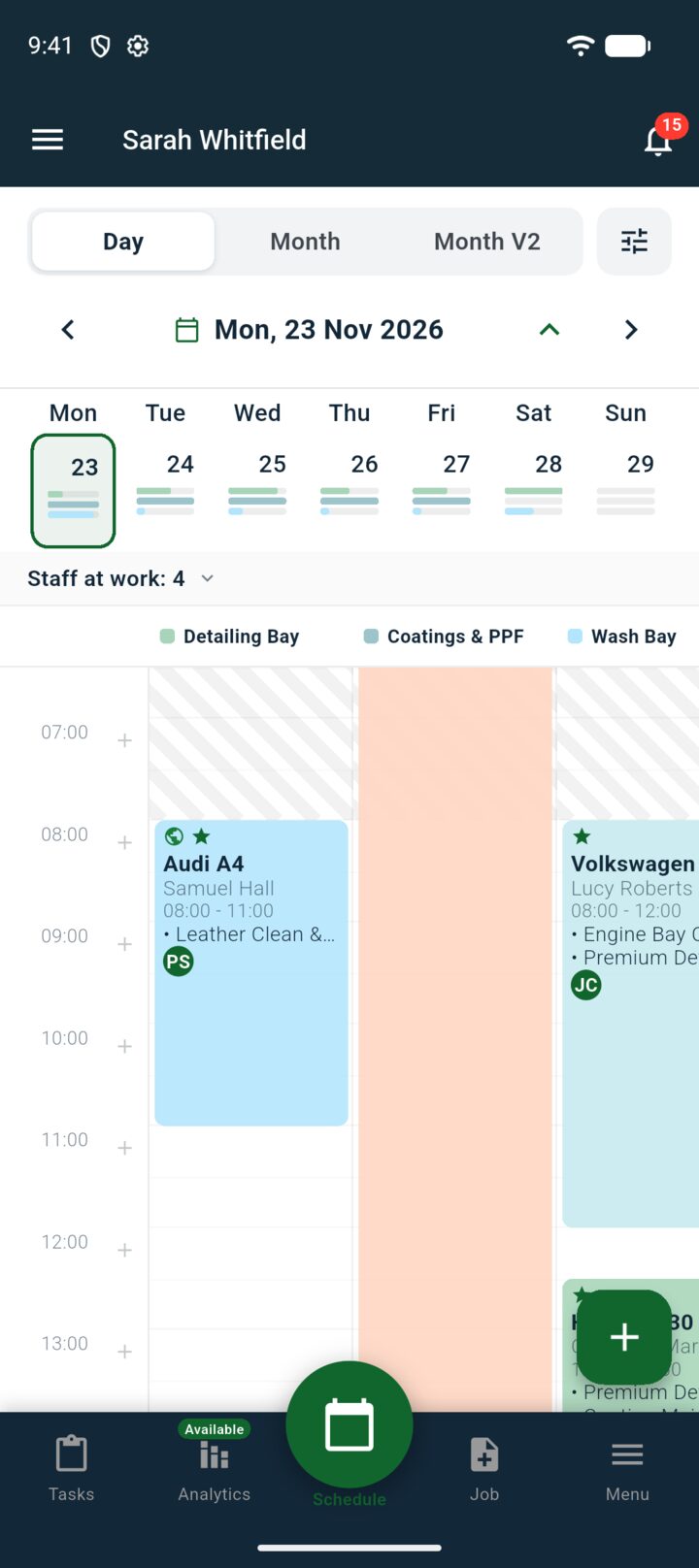
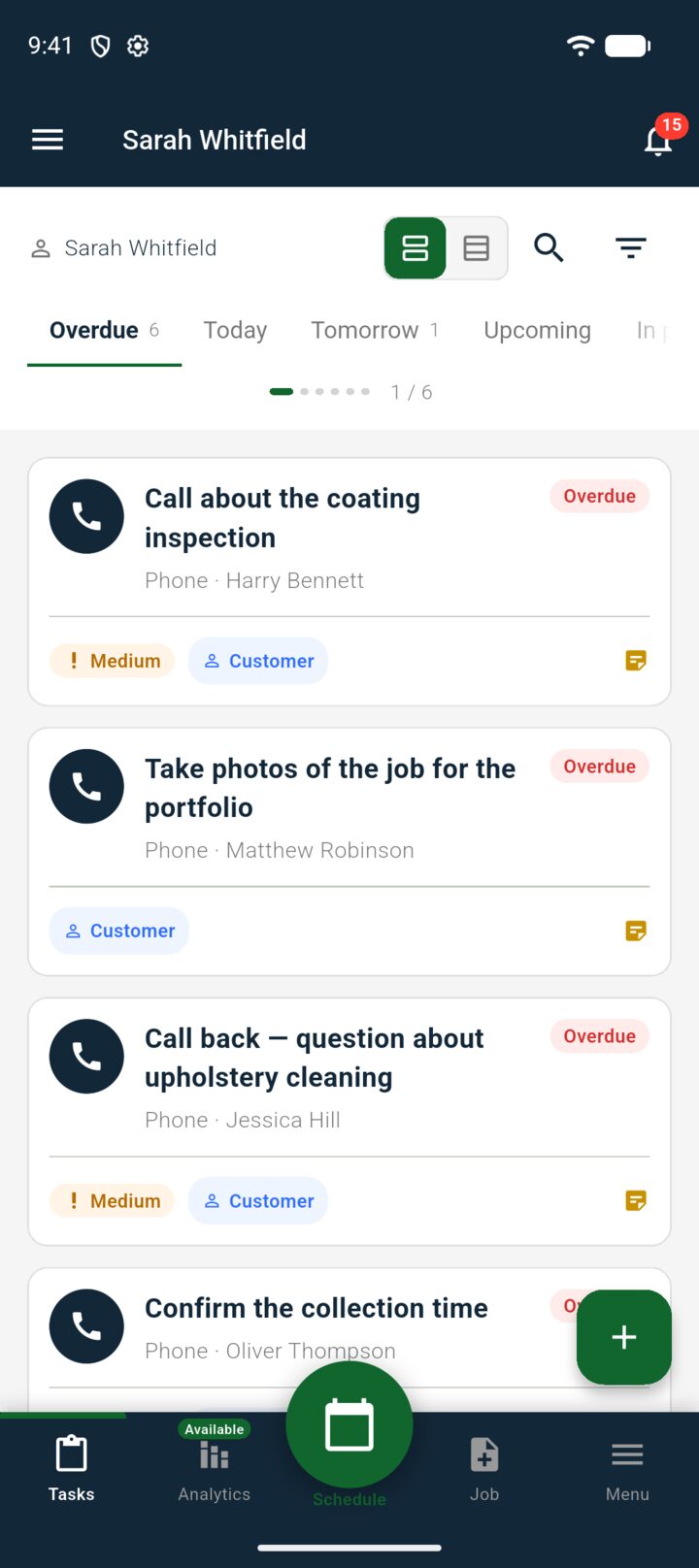
Your studio’s whole day in your pocket
The day plan, jobs and their statuses are always with you, even in the workshop next to the car.
- Day, week and month schedule
- Change a job’s status with one tap
- Create a new job straight from your phone
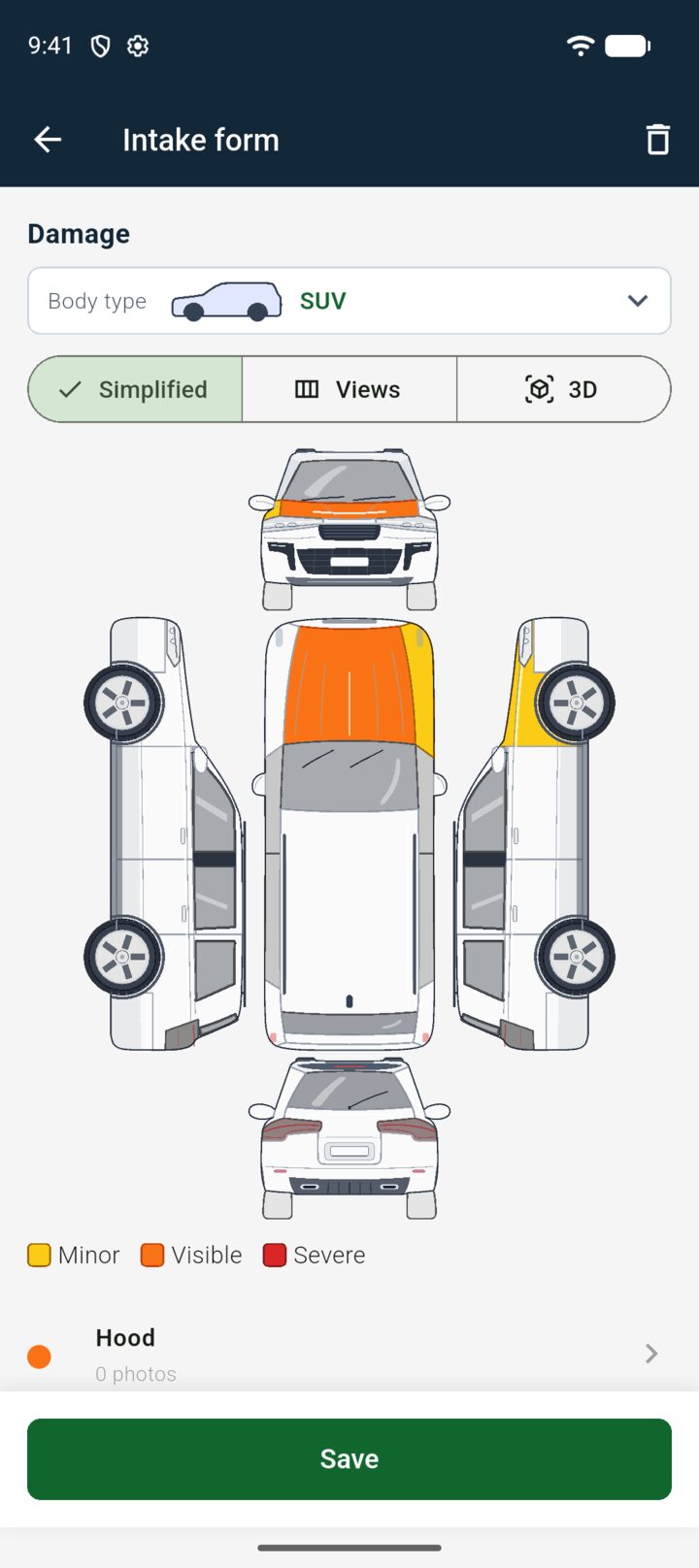
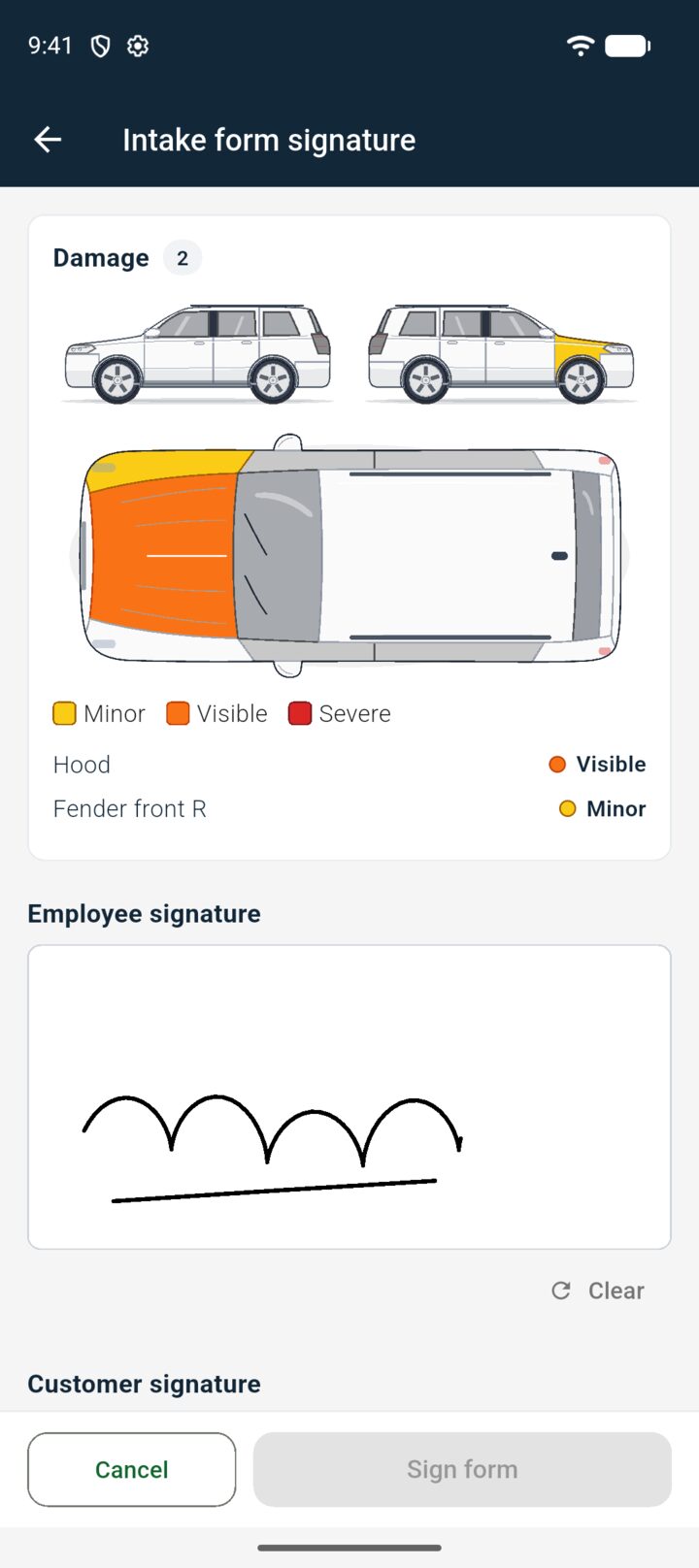
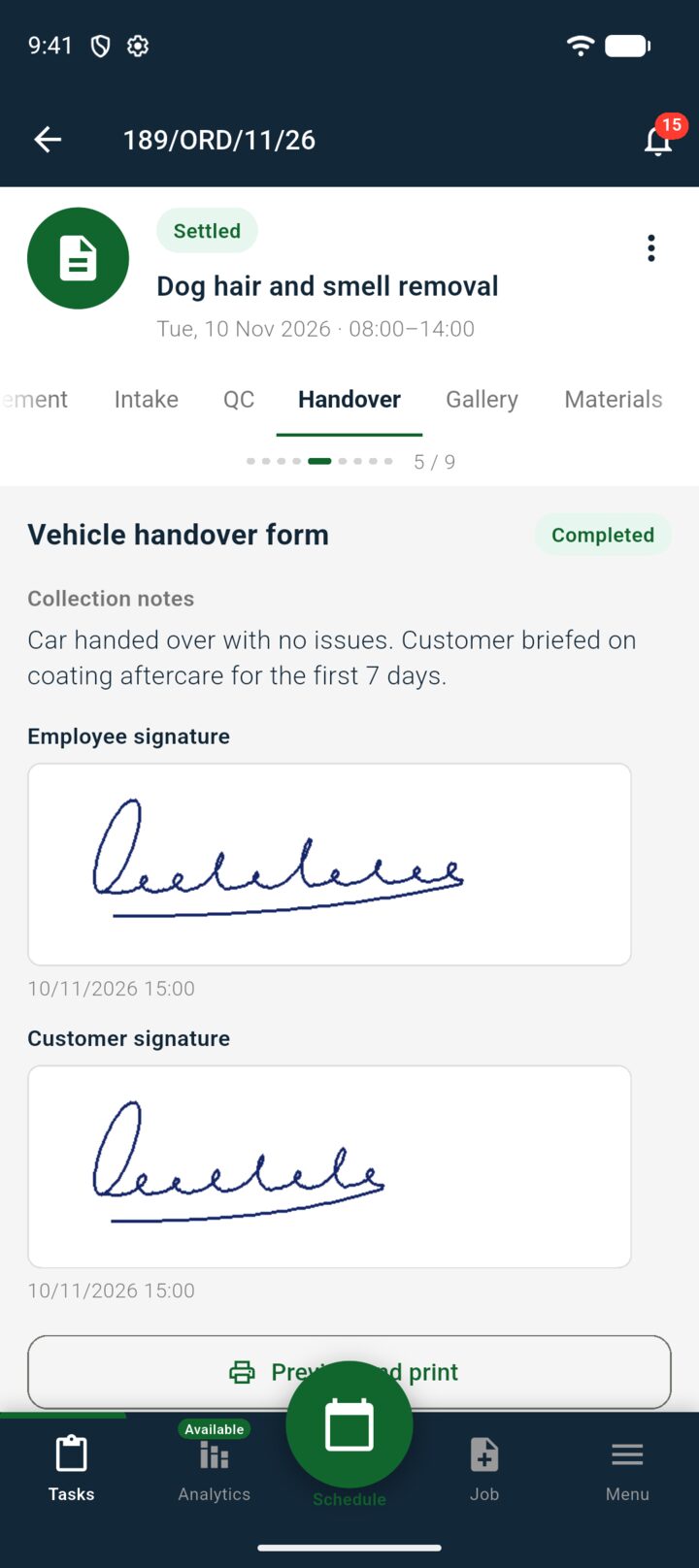
Check-in card signed by the client
You record the car’s condition with the client, who signs the card with a finger on the phone screen.
- Damage marked on the car diagram
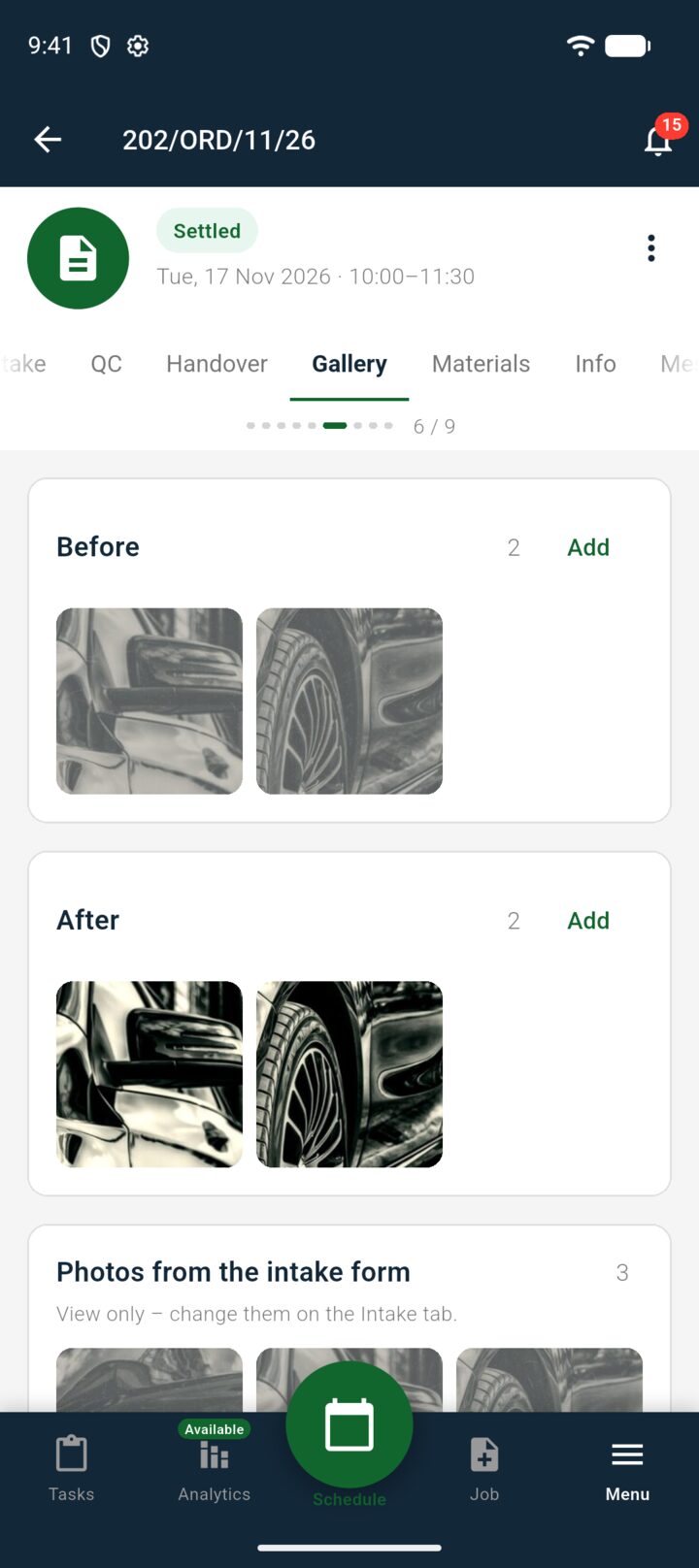
- Photos of the car before the service
- PDF card for the client
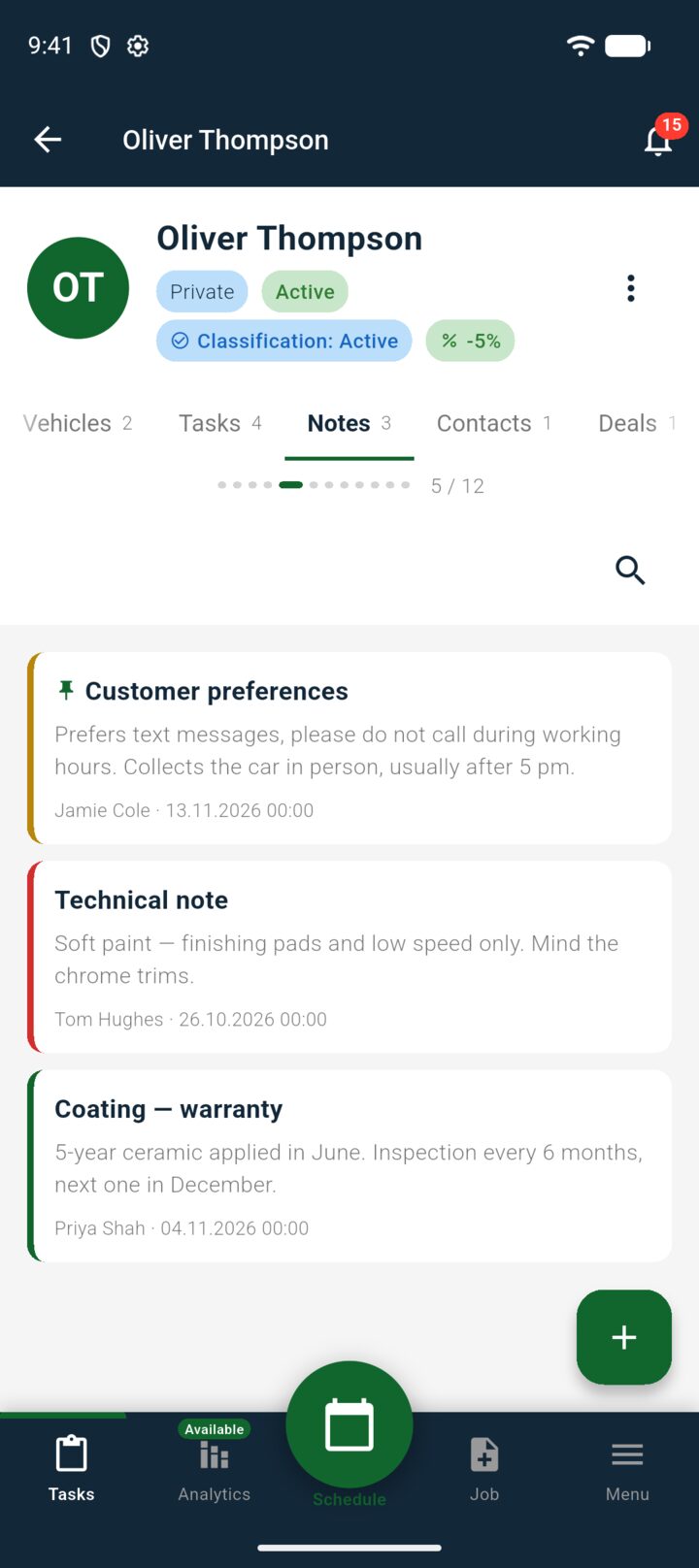
Client and car history in seconds
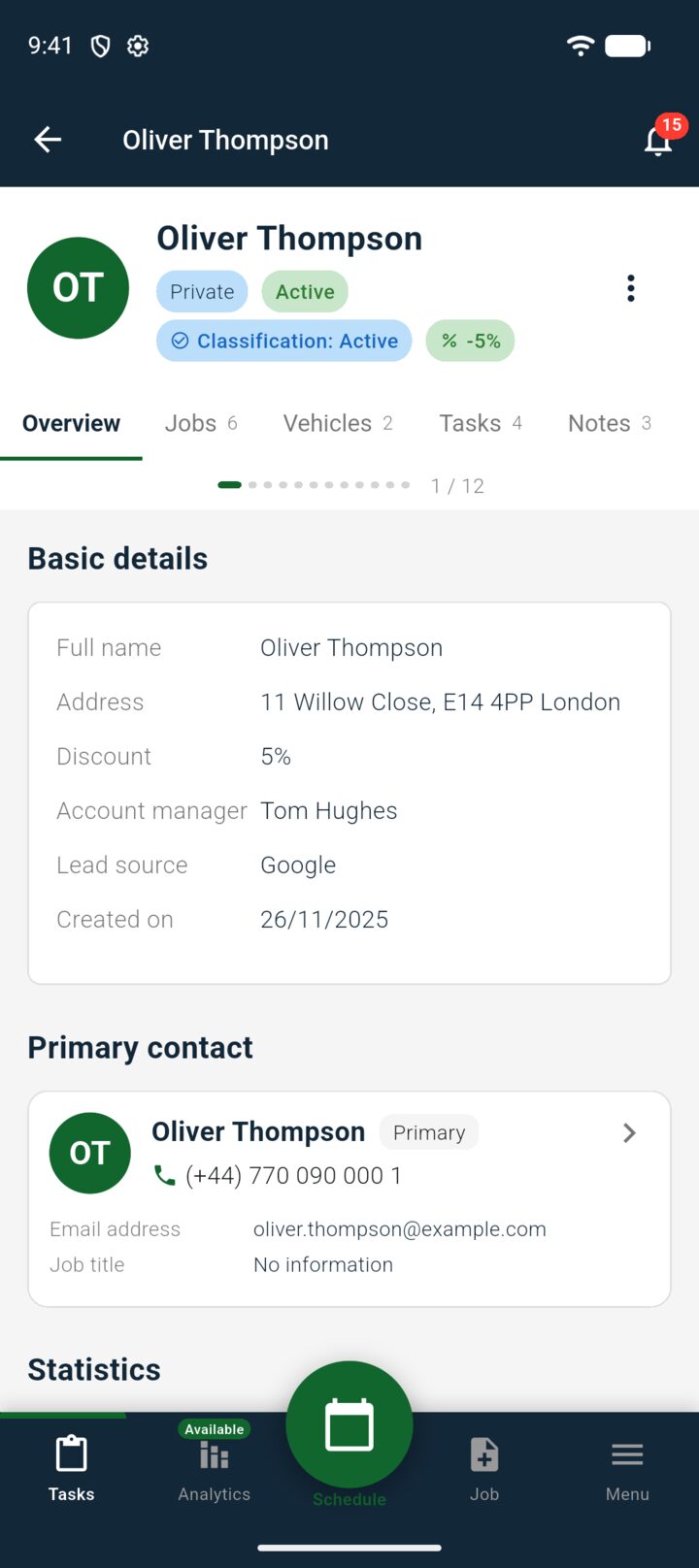
Before the client pulls up, you can check what has already been done to their car.
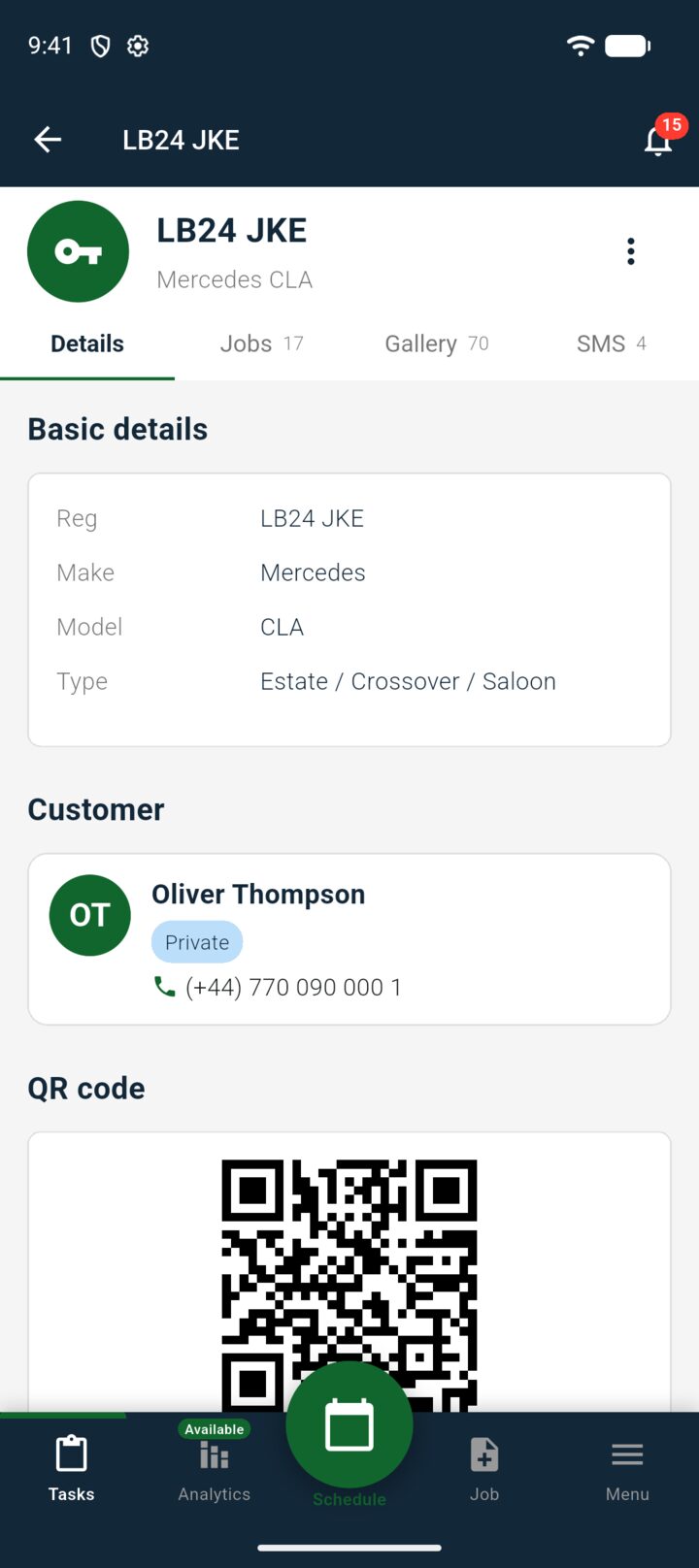
- Contact details and all of the client’s jobs
- Service history of every vehicle
- Notes and tasks on the client
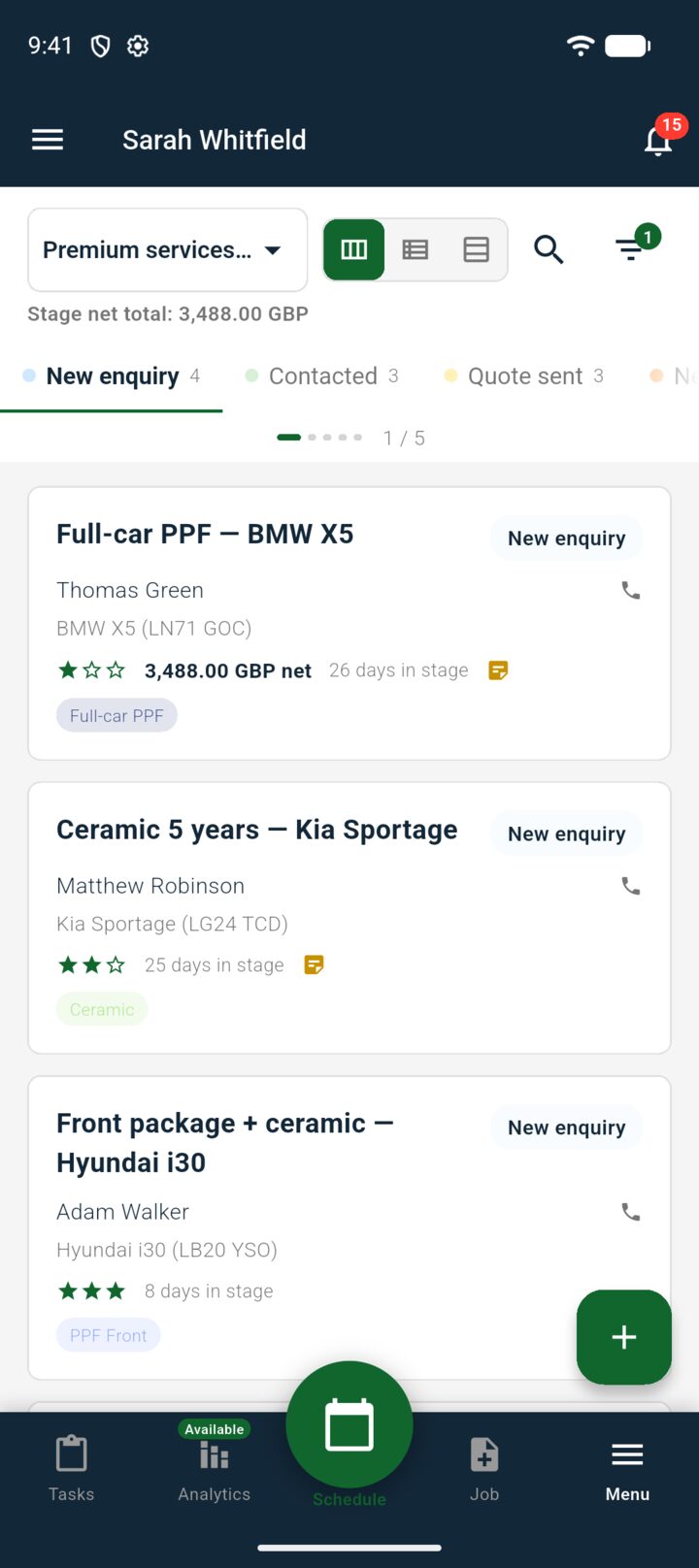
Offers, deals and SMS from your phone
You reply to the client straight away, even when you are away from the computer.
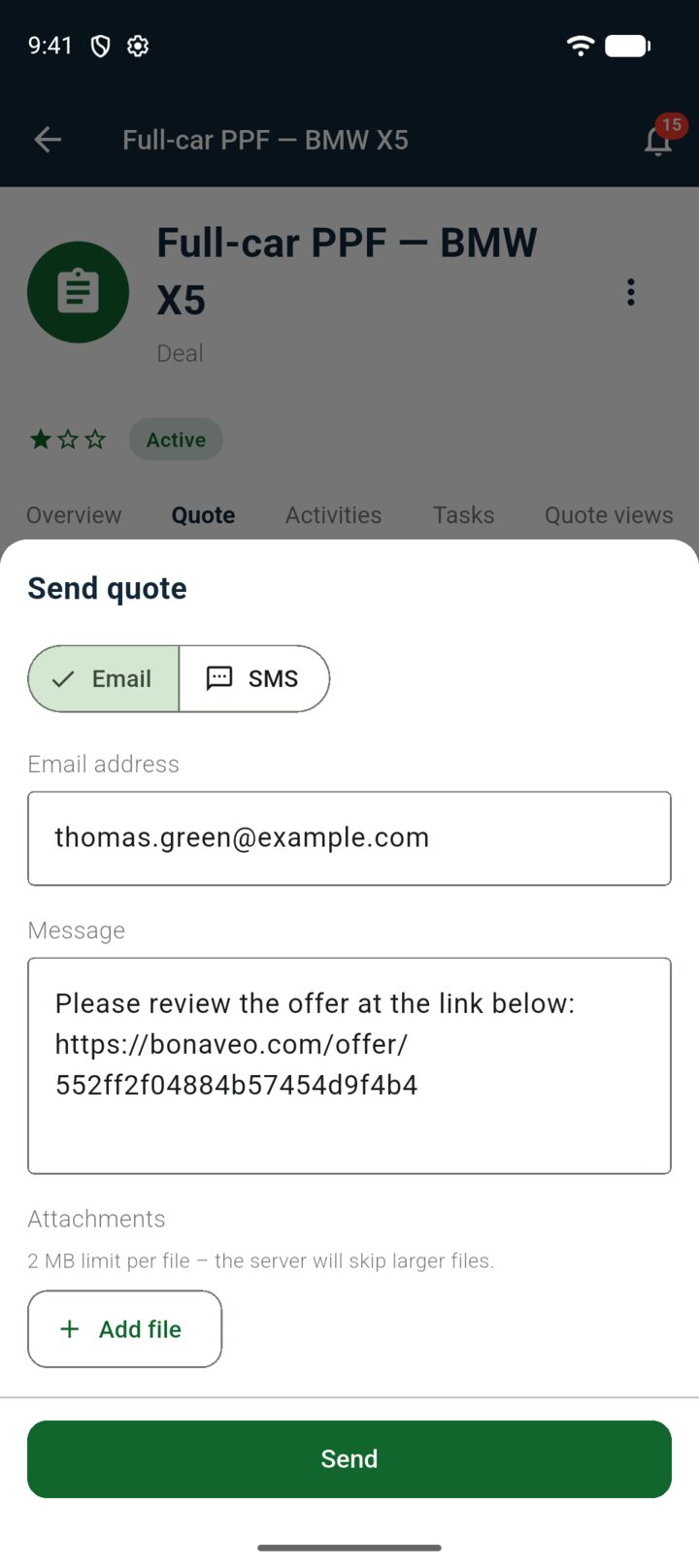
- Deals in the sales pipeline and stage changes
- An offer sent to the client from your phone
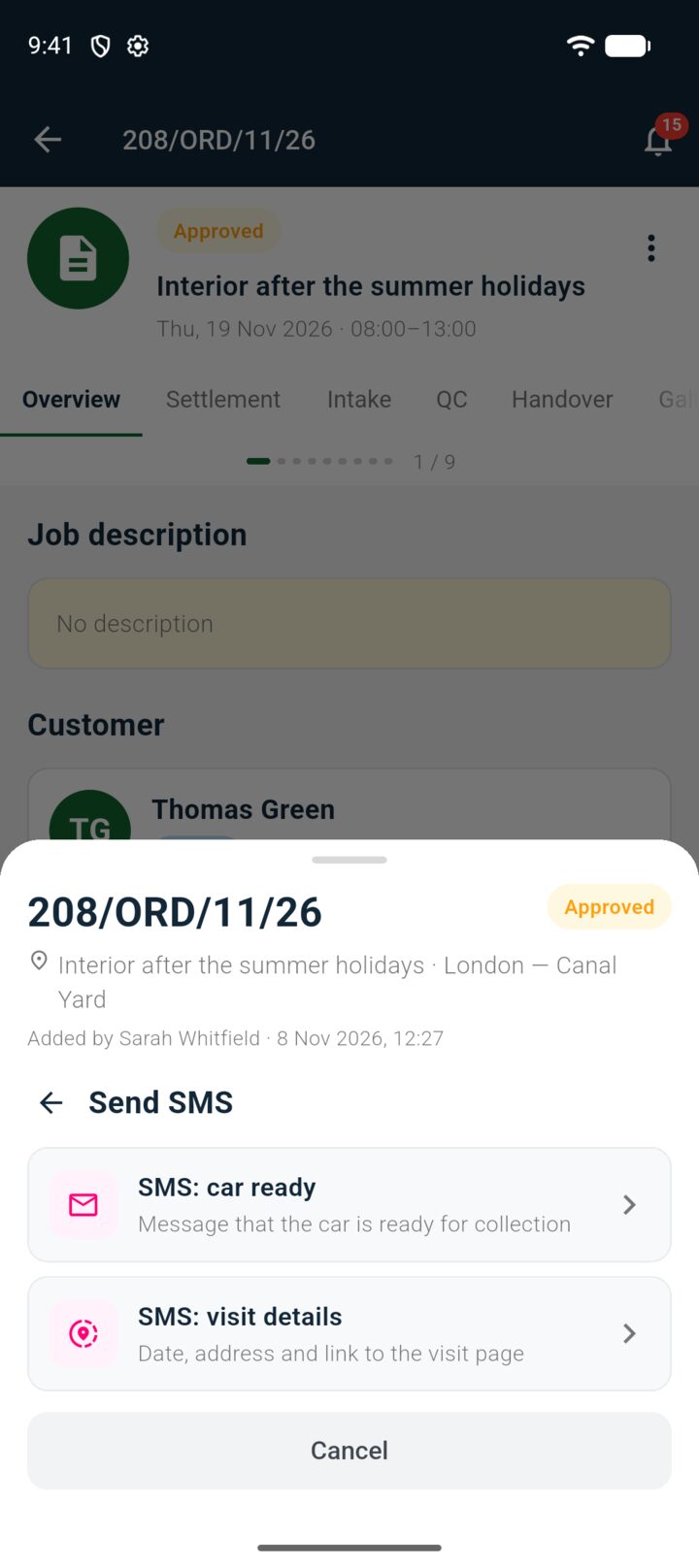
- SMS to the client from a ready template
Available features depend on the package and the employee’s permissions.
See what it looks like
Three steps to working from your phone
- 1 Create an account. Sign-up takes 2 minutes, and the first 14 days are free.
- 2 Download the app. From the App Store or Google Play.
- 3 Sign in. With the same login as on the computer. You create employee accounts in the panel.
Questions about the app
Which phones does the app work on?
On iPhones (App Store) and Android phones (Google Play). The app is free to download.
Do changes made on the phone show up on the computer?
Yes. It is the same system with the same data: a job changed on the phone is visible in the panel on the computer right away, and the other way round.
Does every employee see everything in the app?
No. Everyone sees what their permissions allow, just like on the computer. For example, you can hide prices from selected people.
Which languages is the app available in?
Polish, English, German, Czech, Slovak and Ukrainian. Each employee chooses their own language.
Didn’t find your question?
Write to us. Someone from our team will answer.
Run your studio like a leader
Create an account in 2 minutes and try Bonaveo on your own orders. If you prefer, we’ll show you the system live.
