







Customer pages that look like your studio, not like software
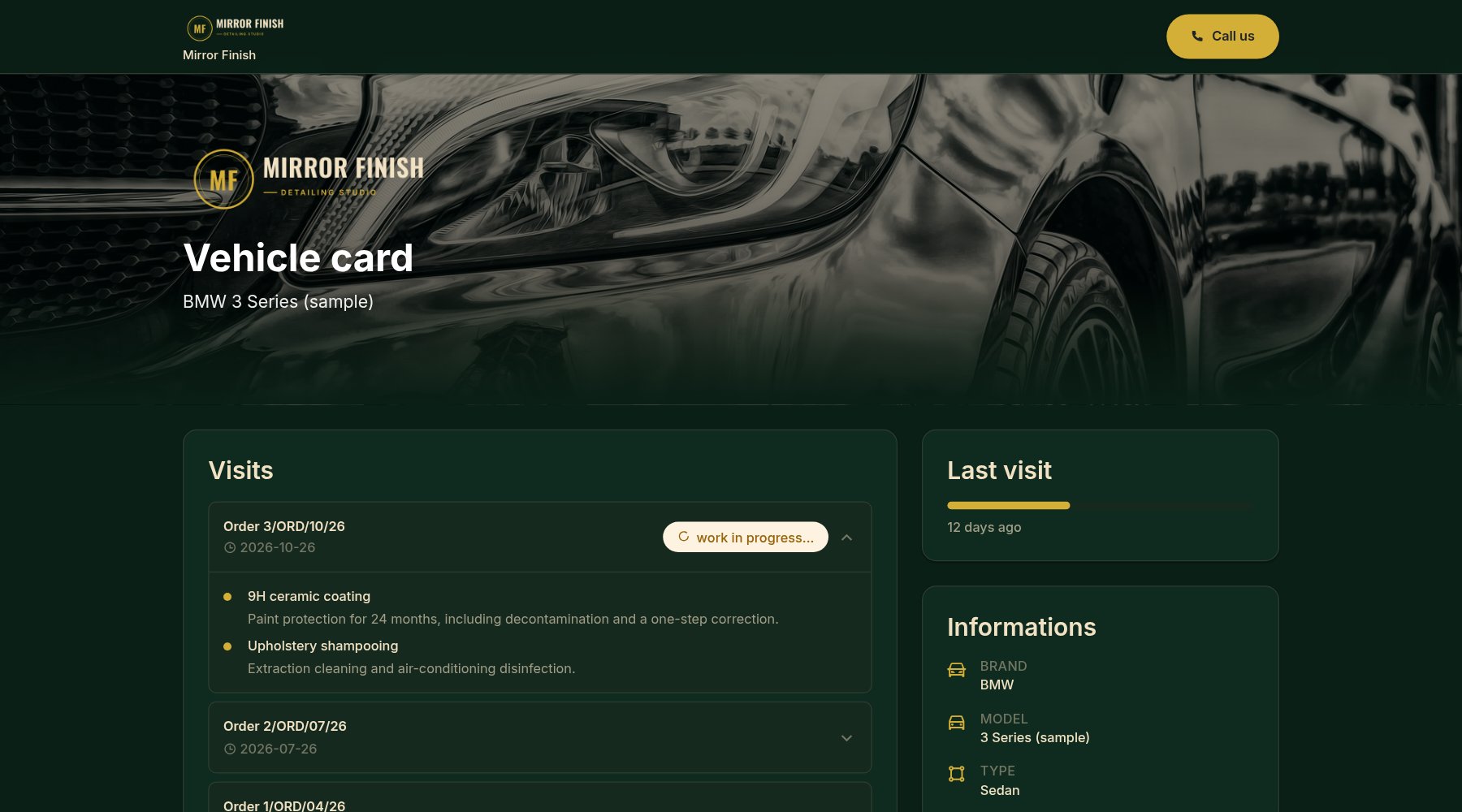
The pages your customers see – the vehicle card, offer, survey and visit page – look like your studio, not like software. Set your colours, header and gallery of work, and the preview shows the result instantly.
Sound familiar?
You send a customer a quote or a link to their car card, and the page looks like someone else’s software, not your business.
You invest in your logo, your cars and social media, yet the documents from your studio look completely different.
You run several locations, but customers of each one see the same generic pages.
You have no designer and no time for design, so the pages stay as they are.
Studio branding sets the colours, header, gallery of your work and contact details on the vehicle card, quote, survey, visit page and in e-mails. You see every change straight away in the preview, separately for each location.
Try it free for 14 daysWhat is studio branding?
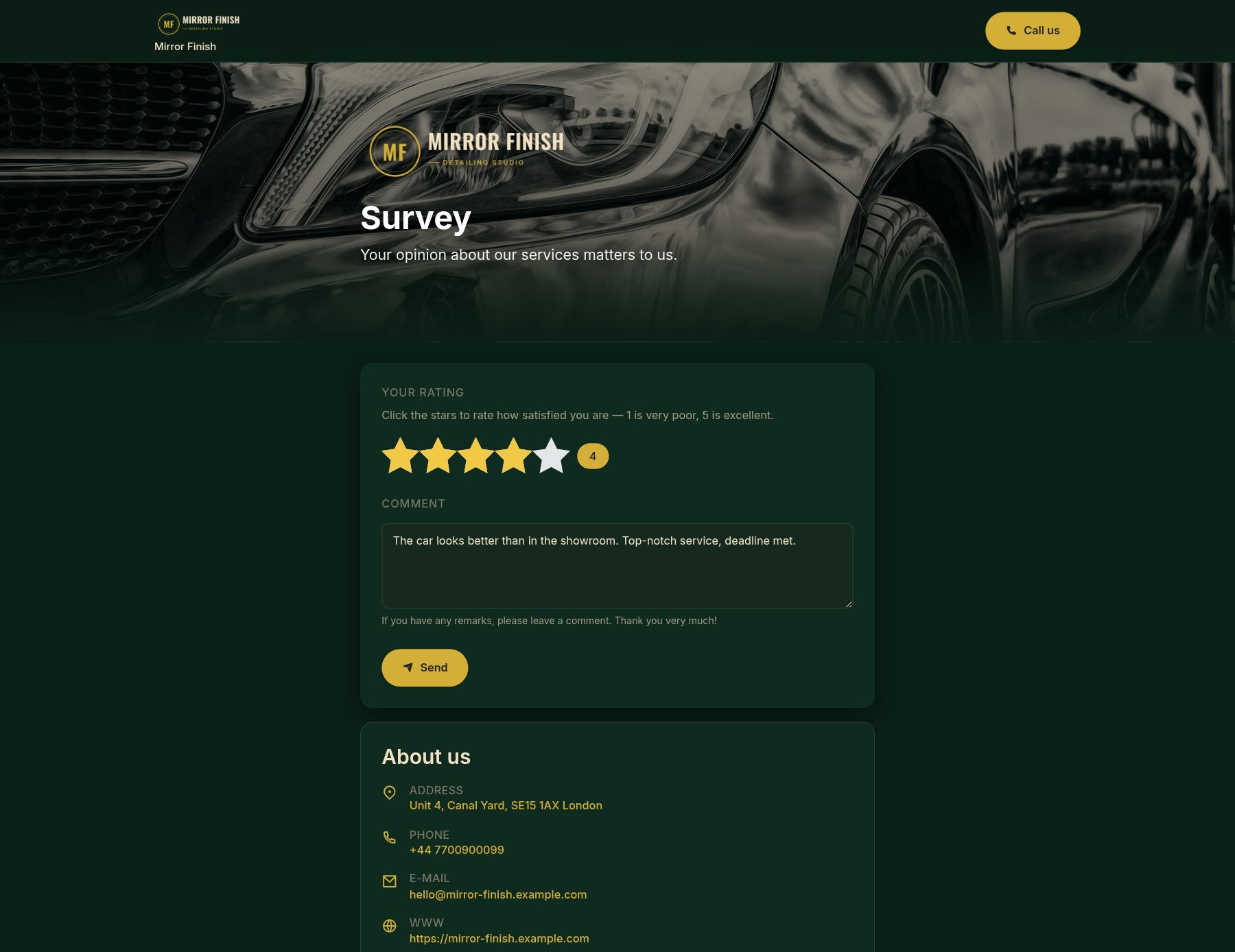
Studio branding is a configurator for the look of the pages the system shows to your customers. It covers, among others, the public vehicle card, the offer, the satisfaction survey and the visit page, as well as emails sent to the customer.
How does studio branding work in practice?
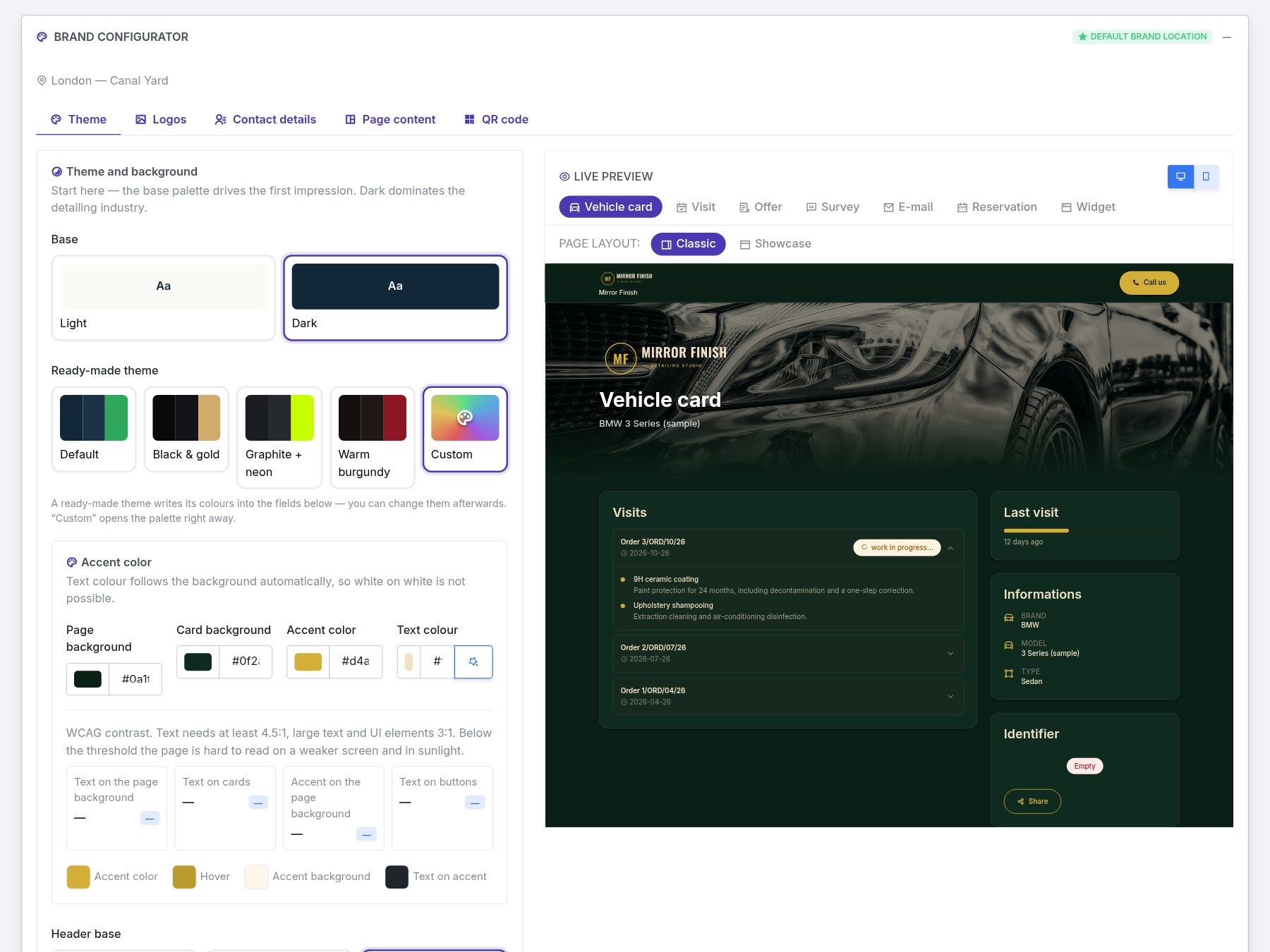
You will find the configurator in the settings. Pick a location, set the look step by step and save – customers see the new pages right away.
Palette and theme
Light or dark theme, three ready-made palettes or your own colours. The system makes sure the text stays readable.
Header
A background in the page colour, the accent colour or your own photo – with a glow or grid effect.
Gallery of your work
Up to 12 photos of your work in the "Our work" section, in the order you choose.
Your own texts
Change the titles, the button text on the vehicle card and the messages in the survey.
Layout and sections
Two vehicle card layouts, plus the option to show or hide the "About us" and gallery sections.
About us and contact
Address with a map, phone, email, website and your studio's social profiles on every page.
What does studio branding look like in the system?
The configurator with a live preview and customer pages in your studio's colours.
Join more than 50 studios working with Bonaveo
Average Google rating of 5.0. The first 14 days are free, no card needed.
What do you gain with studio branding?
Customers judge a studio by everything they receive from it. A vehicle card or offer in your brand colours builds trust and makes the customer remember you, not the tool you use.
A recognisable brand
Customers see your colours and logo at every stage.
More trust
Consistent, professional pages look like your own website.
Multiple locations
Each location can have its own look and customer-facing name.
Mobile-friendly
Customer pages are designed with smartphones in mind.
Emails with your logo
The order card, protocols and offer go out in your studio's colours.
Your settings are kept
Your look is saved and returns as soon as the feature is switched back on.
Related system features
Studio branding applies to the pages of these CRM modules for auto detailing.
Frequently asked questions
Which pages does studio branding cover?
The public vehicle card, the offer, the satisfaction survey and the visit page, as well as customer emails, e.g. with the order card, the intake or handover protocol and the offer.
Can I use my own colours?
Yes. You can pick one of the ready-made palettes or set your own colours. The system checks the contrast so the text stays readable.
Can each location look different?
Yes. Each location has its own look settings and customer-facing name, while the default location covers the whole account.
Can I see the result before saving?
Yes. The live preview shows the changes on sample data, so you never risk displaying real customer data.
What happens to my settings if I turn the feature off?
The pages go back to the standard look, but your settings are saved and return as soon as the feature is switched back on.
Do I need design skills to set it up?
No. You pick a ready-made palette or your own colours, and the system checks the contrast so the text stays readable. You see the result straight away in a preview with sample data.
Do the branded pages look good on a phone?
Yes. Customer pages are designed with smartphones in mind, because that’s where customers usually open the link to a quote, vehicle card or survey.
Run your studio like a leader
Create an account in 2 minutes and try Bonaveo on your own orders. If you prefer, we’ll show you the system live.
